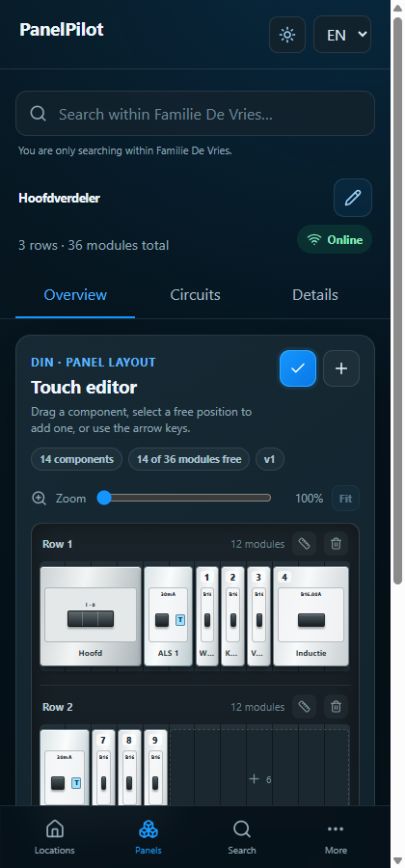
Panels and layouts
Understand circuit numbers and positions
Not every element is a circuit. Physical positions, displayed circuit numbers and technical labels have different meanings.
Step by step
Add a circuit-forming type, such as an MCB or RCBO. PanelPilot creates the associated circuit.
Check the numbering in the layout and Circuits list. Automatic numbering follows the layout from left to right and top to bottom.
Open the circuit and check its technical number or label. Copy existing identifiers into the appropriate fields.
To rebuild automatic numbering, enter layout editing and choose Rebuild all numbers. This also resets manual position numbers; check that this is intended first.
After adding, moving or removing components, check the numbers again so the record matches the physical labels.
Good to know
- Main switches, RCDs, meters and cover plates do not automatically count as circuits.
- A label such as B-2 is different from a module position. Do not alter physical labels based on an unverified digital assumption.